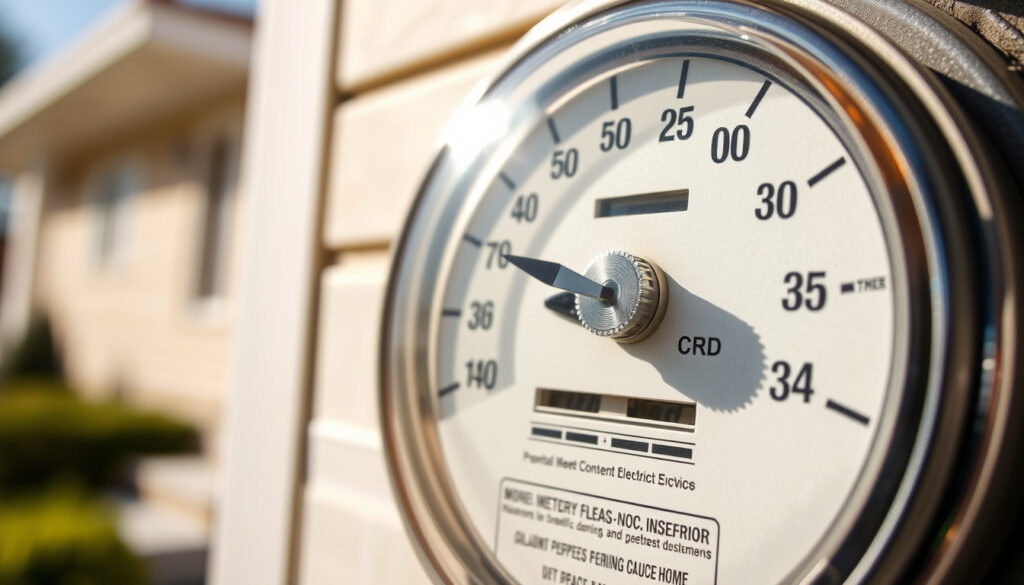
How to Read Your Electric Meter: Step-by-Step Guide
Reading your electricity meter correctly directly affects the accuracy of your bill. ESB Networks smart meters across Ireland display consumption data through a button sequence, while older dial and digital meters require reading small dials or digital displays in specific ways.
1 unit equals 1 kWh · Main meter types in Ireland 4 · Smart meter button Blue/yellow push button on left · Day/Night meters require Separate readings for each rate
Dial Meters
- Read 4 dials left to right
- Pointer between numbers record lower
- Clockwise/anticlockwise pattern
Digital Meters
- First 5 digits
- Ignore decimal
- Cycle with buttons
Smart Meters
- Blue button for Day/Night
- MPRN for submission
- ESB Networks app
Multi-Rate
- Separate Day/Night readings
- Peak/off-peak units
| Standard unit | 1 kWh |
|---|---|
| ESB meter types | 4 main (smart, electronic, mechanical disc, pay as you go) |
| Submission needs | MPRN number |
| Dial rule 9-0 | Record 9 |
| Smart meter rollout | 2.4 million by end of 2024 |
| Remote reads per year | 6 times (standard tariff) |
How do you read an electric meter with a and b button?
ESB Networks smart meters do not have buttons labelled A and B. Instead, they have a single unsealed push button on the left side, typically blue or yellow, which cycles through all display screens (Electric Ireland Help). The confusion arises because many online searches use “A and B button” as shorthand for meter navigation buttons in general.
What the A and B buttons do
The left unsealed push button on ESB smart meters cycles through display screens in sequence. The right-hand button is sealed and used for configuration—do not press it for reading purposes (Electric Ireland Help). Each press advances to the next screen:
- First press: Date and time screen
- Second press: Total cumulative reading
- Third press: Nighttime reading (T1 A+)
- Fourth press: Daytime reading (T2 A+)
- Fifth press: Peak time reading (T3 A+)
- Sixth press: Test screen display
- Seventh press: Net export reading for microgeneration (minus sign shown)
Step-by-step button reading process
Read the total kWh display from left to right, including all digits before the unit label. The meter shows cumulative 24-hour kWh consumption on the main screen (Electric Ireland Help). Ignore any decimal places or digits after a decimal point.
For day/night smart meters, the ninth press loops back to the date/time screen with reactive energy readings on the seventh and eighth presses for import/export tracking (ESB Networks).
“Once installed your new smart meter will be up and running right away and no further action will be required on your part.”
— ESB Networks, Official Smart Meter Guide
How do I read my electric Ireland meter?
Ireland uses four main meter types: smart meters, electronic meters, mechanical disc meters, and pay-as-you-go meters (ESB Networks). Identifying your meter type determines the correct reading method.
Identifying your ESB meter type
Smart meters have a digital display with a push button and show tariff labels (T1, T2, T3) on screen. Electronic meters display digits but may auto-scroll without buttons. Mechanical disc meters have rotating dials on the front panel. Pay-as-you-go meters include a keypad or card slot for pre-payment.
Reading old-style dial meters
Mechanical disc meters have four small dials arranged horizontally. Read from left to right, recording the number each pointer has just passed. If the pointer is between two numbers, record the lower number. When between 9 and 0, record 9 (Power to Switch).
Some dials rotate clockwise while others rotate anticlockwise—this pattern is normal and does not affect the reading method. Include all four dial readings in your submission.
How to read your smart electricity meter?
ESB Networks smart meters display consumption data for three time-of-use tariffs: T1 for night (off-peak), T2 for day (standard), and T3 for peak periods (Switcher.ie). The default display shows cumulative 24-hour kWh along with the current tariff indicator.
ESB Networks smart meter process
Press the blue or yellow left push button to scroll through displays. The date and time alternate on screen every 5 seconds (Electric Ireland Help). Smart meters establish connection to ESB Networks over 30 days post-installation (ESB Networks).
Once connected, readings transmit automatically—no manual submission required (Bord Gais Energy). ESB reads smart meters 6 times per year remotely if you are on a standard tariff; manual reading only occurs if signal is poor (Bord Gais Energy).
Day and Night smart readings
Multi-rate smart meters track separate consumption for night and day periods. T1 indicates nighttime consumption shown with A+ in the top right of the screen (ESB Networks). T2 shows daytime consumption with A+ (ESB Networks). T3 displays peak time consumption with A+ (ESB Networks).
For microgeneration customers, the export reading appears on the seventh press with a minus sign and 2.8.0 displayed in the top left (ESB Networks).
How do you read your electricity meter?
All ESB meters display consumption in kilowatt-hours (kWh). One unit of electricity equals one kilowatt-hour—this is the standard billing unit for residential meters (Switcher.ie). Bill markings indicate reading type: A means actual reading by ESB, C means customer-submitted, and E means estimated (Power to Switch).
Digital meter reading basics
Digital meters show all digits on the main display. Read the first 5 digits from left to right. Ignore decimal points and any figures after the decimal. Electronic meters may have auto-scroll functionality—press the button only if the display does not cycle automatically (ESB Networks).
Analog dial meter tips
For multi-rate meters, note Day and Night readings separately. Submit each reading with your MPRN (Meter Point Reference Number) to identify your specific meter installation (Power to Switch).
“Don’t be afraid to press the buttons here—you’re not going to do any harm.”
— Meter Reader Demonstrator, Smart Meter Demo
Is 1 unit 1 kWh?
Yes. One unit of electricity on your meter display equals one kilowatt-hour (kWh). Residential meters show kWh directly—no conversion factor is needed (Switcher.ie). This standard unit applies across all meter types in Ireland.
Understanding meter units
The kilowatt-hour is the billing unit used by all Irish energy suppliers. Your meter accumulates consumption over time, and the reading on display represents total kWh used since installation (minus any generation exported if you have solar panels).
Converting readings to bills
To calculate consumption between readings, subtract the previous reading from the current reading. Multiply the result by your tariff rate per kWh. For multi-rate tariffs, calculate each rate period separately using the corresponding T1, T2, or T3 reading.
Related reading: How to Solve a Rubik’s Cube – Beginner Layer-by-Layer Guide · BT Email Log In Guide: Shortcuts, Fixes & Help
Irish households facing cryptic ESB smart meter displays will find clarity in the Ireland smart meter guideIreland smart meter guide, which details button presses and rate labels.
Frequently Asked Questions
How to read electric meter online?
Access your smart meter readings through the ESB Networks online account portal. Create an account using your MPRN number and view historical consumption data. From 2021, automatic smart meter readings reduced the need for estimated bills (Power to Switch).
How to read ESB Meter old style?
Old mechanical disc meters have four dials. Read left to right, recording the number each pointer has passed. If between numbers, take the lower. If between 9 and 0, record 9. Submit via ESB phone, text, email, or online portal.
What is A+T1 meter reading?
A+T1 indicates nighttime (off-peak) consumption on ESB smart meters. T1 represents the night tariff period, typically lower cost than daytime rates. Press the left button three times to reach the T1 reading display (ESB Networks).
How to submit ESB meter reading?
Submit readings to ESB via phone 1850 33 77 77, text 087 9609223, email reading@esb.ie, or through the online portal. Have your MPRN ready. Smart meter customers on standard tariff require no manual submission—automatic remote reading occurs 6 times per year (Bord Gais Energy).
What if my meter has two rates?
Multi-rate meters track separate consumption periods. Day/Night meters show T1 for nighttime and T2 for daytime. Full time-of-use meters add T3 for peak periods. Record each reading separately when submitting to ESB. The meter display cycles through all rate readings when pressing the left button (ESB Networks).
How do I find my MPRN number?
The MPRN (Meter Point Reference Number) is printed on your electricity bill or meter label. It is a unique 11-digit identifier for your property’s meter installation. Have this ready when submitting manual readings or setting up online account access.
How to read residential electric and natural gas meters?
Electricity meters display kWh directly. Gas meters may show cubic meters (m³) requiring conversion to kWh for billing. Check your bill statement or supplier website for conversion factors. ESB Networks handles electricity meters only—contact your gas supplier for gas meter reading methods.
More related posts
 Hattie Jacques Cause of Death & Marriage to John Le Mesurier
 123Movies Free Online Movie Streaming Sites – Safe Legal Alternatives
 Wilson Isidor: Contract, Salary, Parents & Net Worth
 Katherine McNamara: Age, Height, Hair Color, Relationship Status
 Cheating Synonyms: 450+ Words for Relationship, School & Business
 Ball Pit Guide: Age, Benefits & Tips
 Austin Butler: Health, Relationships & Career News